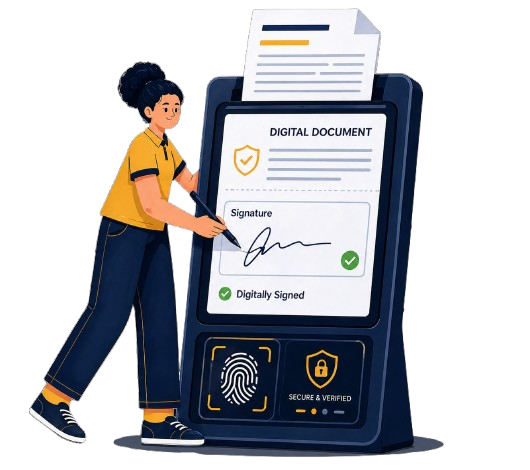
Purchase Orders, Sales Invoices, Credit Notes — once a document is approved through your existing Dynamics 365 workflow, our Digital Signature solution automatically invokes the correct DSC (Digital Signature Certificate) and applies it as the final step before the document goes out. Every DSC lives securely in Azure Key Vault, and the right one is selected and applied through an authorized API call — no manual certificate selection, no separate signing app, no extra approval step outside the ERP you already use.
When a business issues a Purchase Order, a Sales Invoice, or a Credit Note, someone eventually has to make it official — a signature, a stamp, something that says this document is authentic and came from us. In most organizations, that step is still manual: print it, sign it, scan it, attach it, or chase someone down for an approval click before it can go out. It's the one step that slows down an otherwise automated document process.
Our Digital Signature solution removes that step by automating it. Approval itself still happens exactly where it already does — inside your Dynamics 365 workflow, through whatever approval levels you've configured for that document type. Once a document is approved, our solution calls a secure API that identifies the correct DSC (Digital Signature Certificate) for that document and applies it using the certificate held securely in Azure Key Vault. The document comes back signed, tamper-evident, and ready to send.
Most organizations don't sign every document with the same certificate. A different legal entity, business unit, or authorized signatory may require its own DSC. Our solution handles that selection automatically based on the approved document's context, so the right certificate is always the one applied — without anyone having to choose it manually.
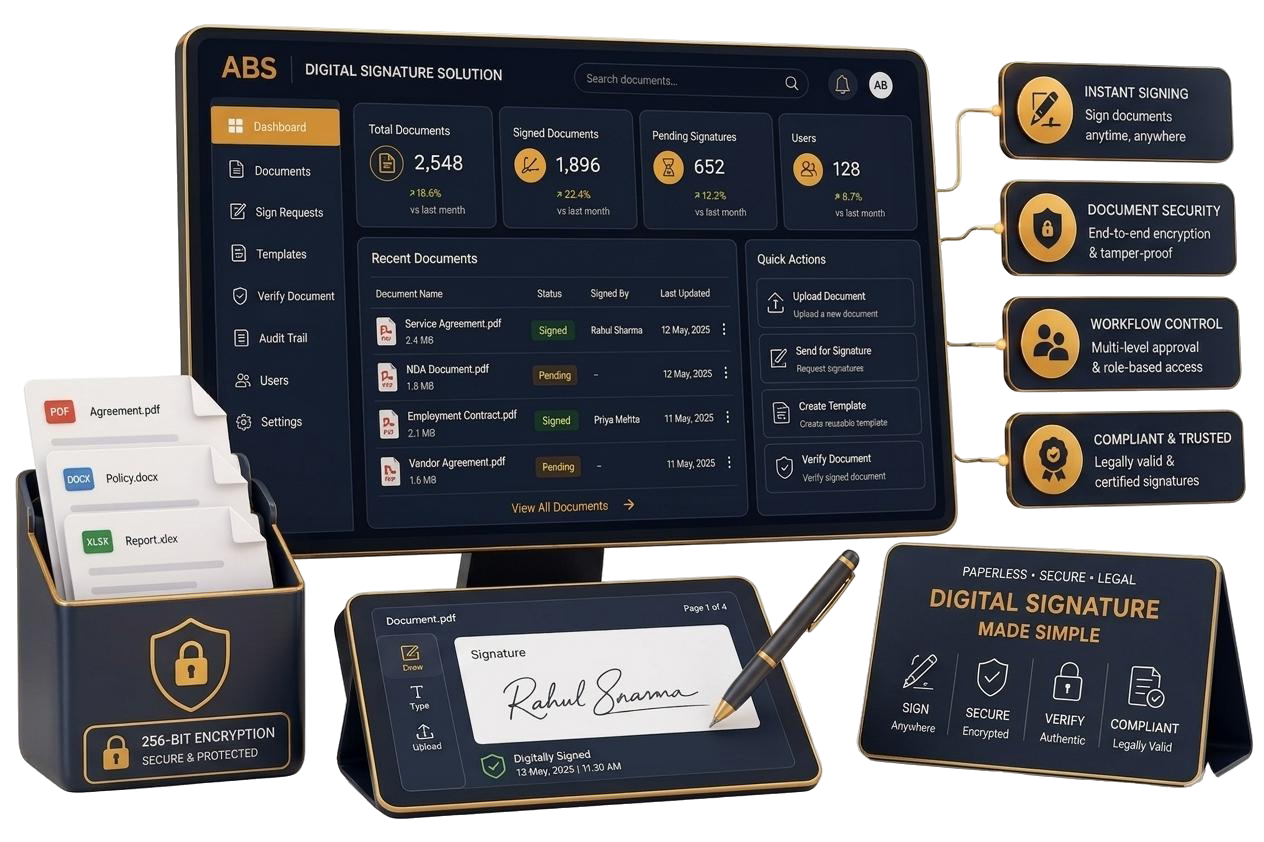
The moment a document is approved through your existing Dynamics 365 workflow, signing is triggered automatically — no manual upload, no separate signing app, no extra step to manage outside the ERP.
When multiple DSCs are in use — across legal entities, business units, or authorized signatories — the correct one is identified and applied automatically based on the approved document's context, with no manual selection required.
Every DSC is held in Azure Key Vault, Microsoft's dedicated service for protecting cryptographic keys, so certificates are never exposed in application code, configuration files, or to end users.
Signing happens through an authorized API call the moment Dynamics 365 marks a document as approved — approval and signing are connected steps, not two separate processes for someone to manage.
Purchase Orders, Sales Invoices, Credit Notes, and other outgoing transactional documents from Dynamics 365 can all be signed through the same automated process, each invoking the correct DSC for its context.
Once signed, any alteration to the document is detectable, giving recipients and auditors confidence that what they received is exactly what was issued.
Every signing event is tied to the document, its approval, and the DSC used to sign it, giving you a clear, traceable record of when, how, and with which certificate each document was signed.
Whether you're issuing ten documents a day or ten thousand, across one legal entity or many, the signing step doesn't add headcount, certificate management overhead, or bottlenecks.
A Purchase Order, Sales Invoice, Credit Note, or other outgoing document is created in Dynamics 365.
The document moves through your existing Dynamics 365 approval workflow — whatever approval levels or authorizations you already have configured for that document type.
Once approved, an authorized API call requests a digital signature for the document.
The API identifies and retrieves the correct DSC for that document — based on legal entity, document type, or signing authority — from Azure Key Vault.
The document is digitally signed, tamper-sealed, and returned ready to issue — attached to the transaction or sent directly to the vendor or customer.
This isn't a general-purpose e-signature tool for any document you upload — it's built specifically for organizations issuing Purchase Orders, Sales Invoices, Credit Notes, and similar outgoing transactional documents out of Dynamics 365, where automating the signature step removes one of the last manual bottlenecks in an otherwise automated process.
Everything you need to know about how our Digital Signature solution actually works
The clearest way to understand this is to watch it happen — a Purchase Order or Sales Invoice generated, signed via Azure Key Vault, and issued, with no manual step in between.